Home › Home e-wallet abroad
How to pay with your own digital wallet abroad: when your home e-wallet can scan local QR codes Check the sign at the till, check the amount before you confirm, and keep a card or cash for when it won't scan
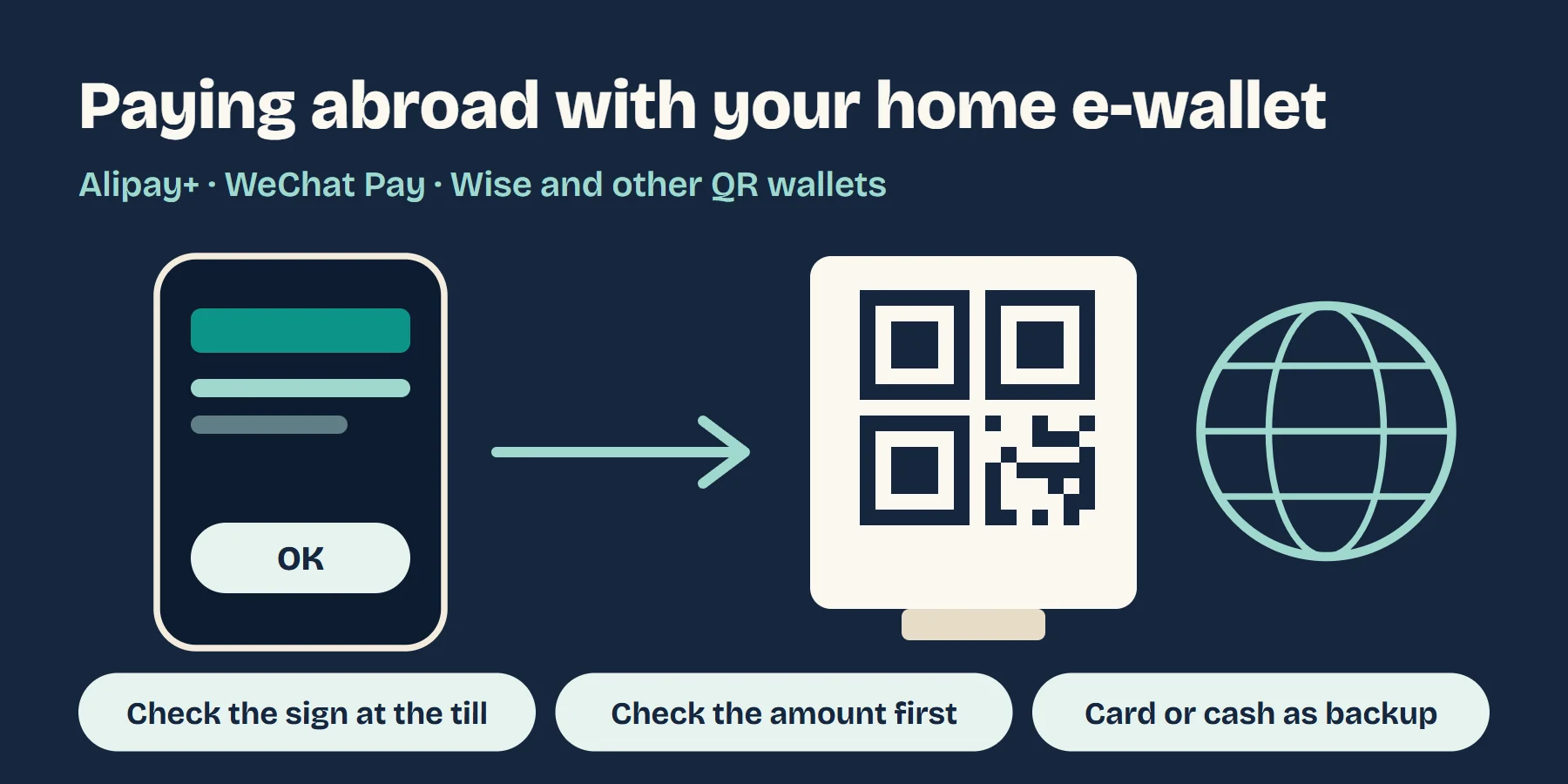
It depends on whether your wallet is plugged into the QR network the shops at your destination use. There are three main ways that happens. One is a cross-border network such as Alipay+: dozens of wallets, including Alipay, South Korea's Kakao Pay, the Philippines' GCash, Malaysia's Touch 'n Go and the UK's Wise, can pay wherever the Alipay+ sign is displayed. Another is a link between two countries' national QR systems: Thai banking apps, for example, can scan national QR codes in Cambodia, Malaysia, Vietnam and elsewhere, and WeChat Pay users can scan local codes in five countries including South Korea, Thailand and Singapore. The third is a one-off tie-up between a wallet and a local platform, such as Japan's PayPay accepting a handful of overseas wallets. If none of these applies to you, it's a card, Apple Pay, Google Pay or cash. This guide shows how to tell which case you're in, how to pay, how the money is worked out, and what to do when a payment won't go through.
Contents
- First, which of the three is your wallet?
- Readers in Europe, the UK and the US: most wallets don't travel, Wise is an exception
- How to pay: scan the shop's code or show your own
- What it costs: where to see the rate and fees
- Won't scan, paid but the shop didn't get it, or you want a refund: in this order
- What to sort out before you fly
- Common questions
- Read next
01First, which of the three is your wallet?
| How it connects | Examples | How to spot it in the shop | Where to check |
|---|---|---|---|
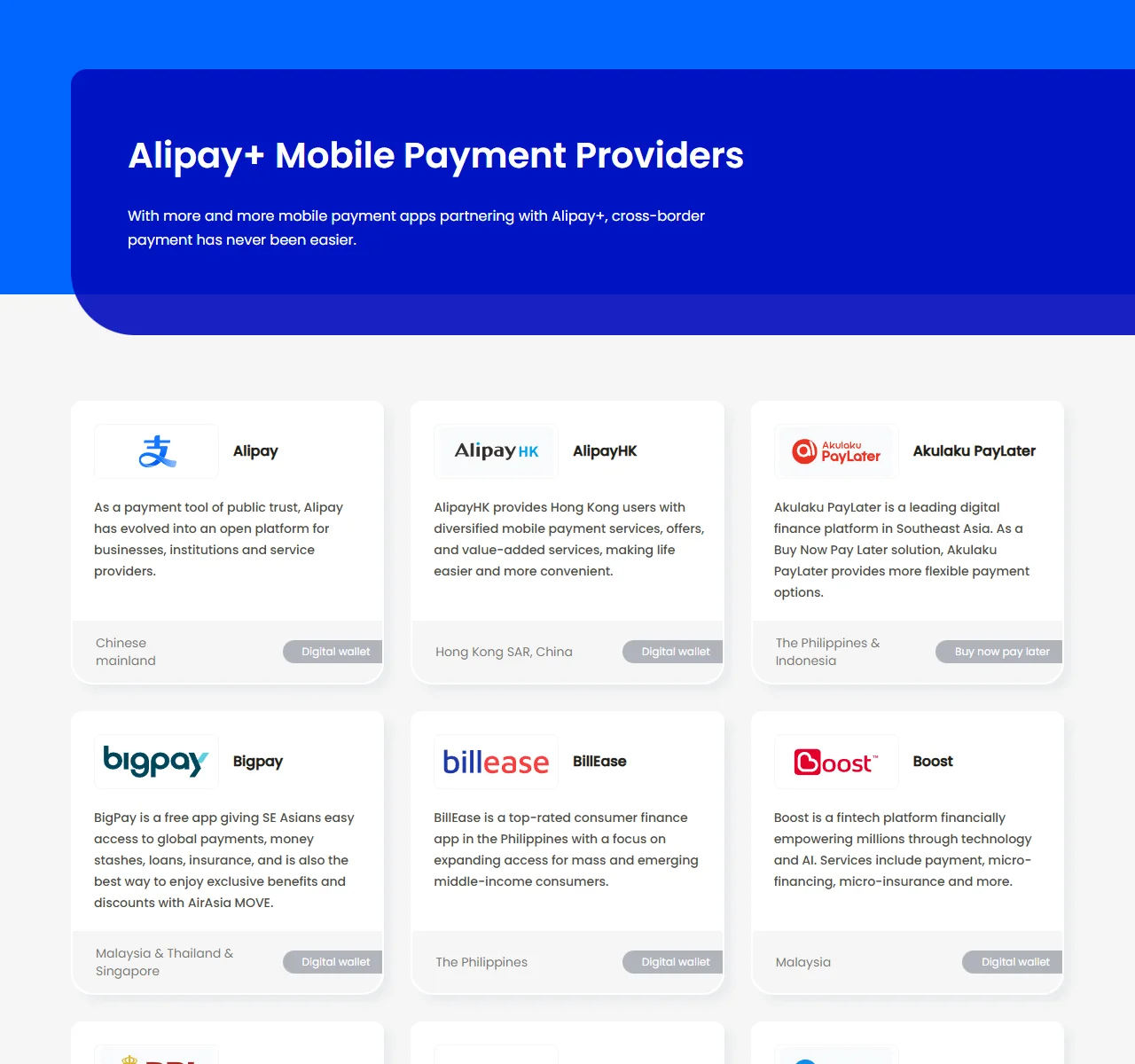
| A cross-border network (Alipay+) | Alipay+'s own partner list includes Alipay, AlipayHK, MPay, Kakao Pay, NAVER Pay, Toss, GCash, Maya, Touch 'n Go, Boost, TrueMoney, DANA, MoMo, ZaloPay, Changi Pay, GrabPay, PayPay and Wise | The Alipay+ sign at the till or on the door | Alipay+'s partner list, and the overseas payments section of your wallet app |
| Linked national QR systems | Thai banking apps can scan Cambodia's KHQR, Malaysia's DuitNow, Vietnam's VietQR, Singapore's NETS QR, Indonesia's QRIS, Hong Kong's FPS QR and Lao QR, and in Japan show a MyPromptQR code for the shop to scan; WeChat Pay users can scan local codes in South Korea, Sri Lanka, Thailand, Malaysia and Singapore | The local national QR sign | Your home central bank's notices, or your wallet app |
| A one-off tie-up with a local platform | Japan's PayPay accepts WeChat Pay, the UnionPay app, Octopus, several Taiwanese wallets and Binance Pay through HIVEX | PayPay's QR code | Our PayPay in Japan guide |
The Thai entries come from the Bank of Thailand's cross-border payments page (marked as of May 2026), the WeChat Pay entries from what WeChat Pay said in April 2026, and the Alipay+ list from its own partner page. All of these lists keep growing, so checking for your destination in your own wallet app before you go is more reliable than memorising them.
If you already use Alipay or WeChat Pay, the first two rows are what matter: Alipay works where the Alipay+ sign is shown, and WeChat Pay can scan local codes in those five countries. If a shop fits neither case, don't keep trying at the till.
02Readers in Europe, the UK and the US: most wallets don't travel, Wise is an exception
Apple Pay and Google Pay are really your bank cards inside your phone, so abroad they work like paying by card, with the rate and fees of whichever card is loaded; see the mobile wallet guide. They can't scan the QR code on the wall of a small shop in Asia.
If you want to scan like a local in Asia, Wise is one of the few options. According to Wise:
- you can scan local QR codes in Singapore, Malaysia, the Philippines, Hong Kong, South Korea, Nepal, Sri Lanka and Cambodia, and pay at merchants that accept Alipay+;
- it isn't available to Wise accounts registered in the US, Canada or Japan;
- it uses the mid-market rate, a payment fee of 1.2% to 2% may apply depending on the country and QR type and is shown in the app, and paying in a currency you don't hold adds a conversion fee.
Two separate routes are covered elsewhere: PayPal users in the US can scan to pay at WeChat Pay merchants in China, see paying in China with a foreign card; and visitors with a Binance.com account can scan PayPay codes in Japan, see the PayPay in Japan guide.
03How to pay: scan the shop's code or show your own
- There's a QR code on the counter: scan it with your wallet app, enter the amount and confirm. Food stalls, taxis and small shops mostly work this way.
- The cashier has a scanner: open your own payment code in the wallet app and let them scan it. Chains and shopping centres mostly work this way, and so do Thai banking apps in Japan, where you show a MyPromptQR code.
Before you confirm, check four things: the merchant name, the amount, the currency, and how much that comes to in your home currency. Once it's paid, show the completion screen to the staff and take a screenshot; it helps if you need to check a payment or return something later.
04What it costs: where to see the rate and fees
Alipay+ says the customer pays in their home currency in the app they already use, the network handles the currency exchange in real time, and the merchant receives its own currency. Whether you pay a fee, and at what rate, is set by your wallet and varies between wallets; the home-currency amount on the confirmation screen is what that payment actually costs you. We couldn't find a public page from Alipay or WeChat Pay setting out what they charge on overseas payments, so judge each payment by the amount on the confirmation screen.
There's a simple way to tell whether a payment was expensive: work out what the foreign amount should come to at the day's market rate, then compare it with the amount on the confirmation screen. The difference is what that payment cost. Compare that with your card's foreign transaction fee and use whichever is lower; here's where to find your card's fee.
One more thing: when you pay by scanning with a wallet, you don't usually get the "pay in your home currency or the local currency?" prompt you see on card terminals. If you switch to a card and that prompt appears, choose the local currency; here's why.
05Won't scan, paid but the shop didn't get it, or you want a refund: in this order
- The app says the code isn't supported. There are three usual reasons: the shop's code isn't a type your wallet can use; your wallet needs overseas payments switched on in the app first; or your account's home country isn't covered (Wise, for example, isn't available to accounts registered in the US, Canada or Japan). You can check the first two in the app on the spot; the third you can't change, so pay by card or cash.
- No signal. Scanning needs a data connection. If you find you're offline at the till, try the shop's Wi-Fi, and otherwise pay by card or cash.
- The wallet says it's paid but the shop says nothing arrived. Don't pay twice. Show the completion screen and ask the staff to check their records. If it still doesn't match, contact support in your own wallet app with the time, amount, shop name and the completion screenshot. Never give your password or verification codes to anyone.
- You want a refund. Alipay+ says the merchant starts the refund, and once it's processed the money goes back to your original wallet in your home currency, usually within a few business days depending on the wallet and market; for problems with a specific payment, contact your own wallet's support. Because the money was converted on the way out, the amount that comes back may not exactly match what you paid.
06What to sort out before you fly
- Open the wallet you use and find its overseas payments section; check that your destination is covered and whether anything needs switching on first.
- Sort out data at your destination: a local eSIM, a pocket Wi-Fi, or knowing where Wi-Fi is.
- Bring a card that works abroad and a little local cash, for when a code won't scan.
For the rest of the travel wallet, see the full pre-trip money checklist.
07Common questions
Can I use Alipay to pay abroad?
Yes, at merchants that show the Alipay+ sign. Alipay (Chinese mainland) is on Alipay+'s own list of partner wallets, and you see the amount in yuan in the app when you pay. Shops without the Alipay+ or Alipay sign usually can't take it, so switch to a card or cash.
Can I use WeChat Pay abroad?
WeChat Pay said in April 2026 that its cross-border service covers 78 countries and regions, and that in South Korea, Sri Lanka, Thailand, Malaysia and Singapore its users can scan local QR codes just as local users do. For a particular shop, look for the WeChat Pay sign or the local QR sign at the till.
Do e-wallets charge fees for paying abroad?
It depends on the wallet. Wise, for example, says it uses the mid-market rate and that a payment fee of 1.2% to 2% may apply depending on the country and QR type, shown in the app. When you pay through Alipay+, your own wallet decides how much of your home currency is taken, and the amount on the confirmation screen is what that payment costs.
Can people from Europe, the UK or the US use their own e-wallet to scan QR codes in Asia?
Most European and American wallets can't; Apple Pay and Google Pay run on your bank card rather than on QR codes. Wise is one of the few exceptions: it can scan local QR codes in Singapore, Malaysia, the Philippines, Hong Kong, South Korea and other places, and pay at Alipay+ merchants, but not for accounts registered in the US, Canada or Japan.
How do I get a refund after paying by QR code abroad?
The merchant starts the refund. Alipay+ says that once it is processed the money goes back to your original home wallet in your home currency, usually within a few business days depending on the wallet and market; for problems with a specific payment, contact your own wallet's support.
08Read next
Update note: First published 2026-10-21. The partner wallet list and refund rules come from Alipay+'s partner page and FAQ; the countries linked to Thai QR payments from the Bank of Thailand's cross-border payments page (marked as of May 2026); the five countries where WeChat Pay users can scan local codes, and its 78 countries and regions, from China Daily's report of 24 April 2026; Wise's coverage, fees and exchange rate from Wise's QR payments page. All were read on 2026-10-21.
Sources: Alipay+ partner wallets · Alipay+ FAQ · Bank of Thailand: cross-border payment linkages · China Daily, 24 Apr 2026: WeChat Pay expands QR payment abroad · Wise: QR payments.